Delivery routing can feel like a guessing game, until you have the right data. In US logistics, smart delivery route planning can cut fuel costs by 15% to 30% and reduce driving miles by 20% to 30%. It can also improve delivery time, with time savings around 11% to 23%.
But most teams still get stuck in the same loop: too much fuel spending, late drops, and drivers who feel punished by “planned” routes. Meanwhile, customers expect accurate ETAs and tighter delivery windows.
Efficient delivery route planning solves those issues by combining constraints (time windows, capacity, stop times) with real-world signals (traffic, weather, road closures). In 2026, many fleets use AI and routing software to adjust routes while vehicles are already on the road.
You’ll see the key factors that shape strong routes, then how AI and algorithms handle the hard parts. After that, you’ll get a simple step-by-step process you can test this week. Along the way, you’ll also see how top tools support planning, dispatch, and live tracking.
What Key Factors Make Delivery Routes Efficient?
Efficient routes don’t come from one trick. They come from balancing real constraints, then updating the plan when reality changes.
Think of it like meal prep. If you ignore cook time for each dish, everything runs late. Routing works the same way, especially with multi-stop delivery schedules.
Here are the factors that usually decide whether your route is efficient or wasteful:
- Traffic and road conditions (live updates): Congestion and road closures can turn a good route into a slow one. Route planning software can use live signals to dodge delays.
- Delivery time windows: If a stop has a strict window, your route must protect it. That often means reordering stops or splitting routes.
- Vehicle capacity and driver schedules: Overloading a vehicle or breaking driver rules creates costly stop-and-go trouble. Right-sized routes reduce overtime.
- Service time at each stop: Unloading takes time. If you underestimate it, you create hidden delays that show up later.
- Fuel use and emissions: Longer routes burn more fuel. In addition, inefficient idling can increase cost and emissions.
- Unexpected changes: Weather, rush orders, and missed pickups happen. A route plan should allow quick reroutes without starting over.
Here’s a common example. Suppose you plan a route for 15 stops. If you ignore 5 extra minutes of service time at each stop, that’s 75 minutes of delay later. Even if traffic stays “fine,” your schedule can still miss.
Also, 2026 trends push teams to reduce waste, not just speed. Many fleets now treat eco-focus as a routing constraint, not a nice-to-have. That means cutting miles, smoothing driving, and choosing routes that reduce unnecessary stops.
Handling Traffic and Time Windows
Traffic usually hits hardest near hubs, highways, and downtown areas. That’s why route planning for delivery often starts with time windows plus live traffic awareness.
When you plan only distance, you can still lose time. For example, two routes might be the same miles, but one goes through repeated bottlenecks. In that case, the “short” route still costs you hours.
Time windows act like rails. They guide where each stop can happen. When your plan respects those windows, you reduce failed attempts, customer complaints, and extra returns.
Many systems also improve planning by combining scheduled windows with live updates. So when congestion grows, the software can shift order, adjust ETAs, or reroute around blocked roads.
The goal isn’t just a shorter route. It’s a route that stays on time even when conditions change.
Matching Vehicles, Drivers, and Fuel Needs
Capacity planning is where efficiency becomes real. You can’t run a great route if your vehicles and shifts don’t match it.
For example, if you assign 30 stops to a van that can only handle a fraction of those deliveries, you may need repeat trips. That costs money and time.
Instead, you want right-sizing. That means matching:
- Package load to vehicle limits
- Route length to shift time
- Stops per hour to driver pace
- Fuel planning to daily mileage targets
This also connects to emissions and cost. Fuel is a major expense in trucking, so less driving usually means less spend. In US logistics, route optimization can reduce driving miles by 20% to 30%, which naturally helps fuel use.
How AI, Algorithms, and Tools Power Smarter Routes
Manual routing can work for small teams. However, once you have many stops and frequent changes, spreadsheets start breaking down.
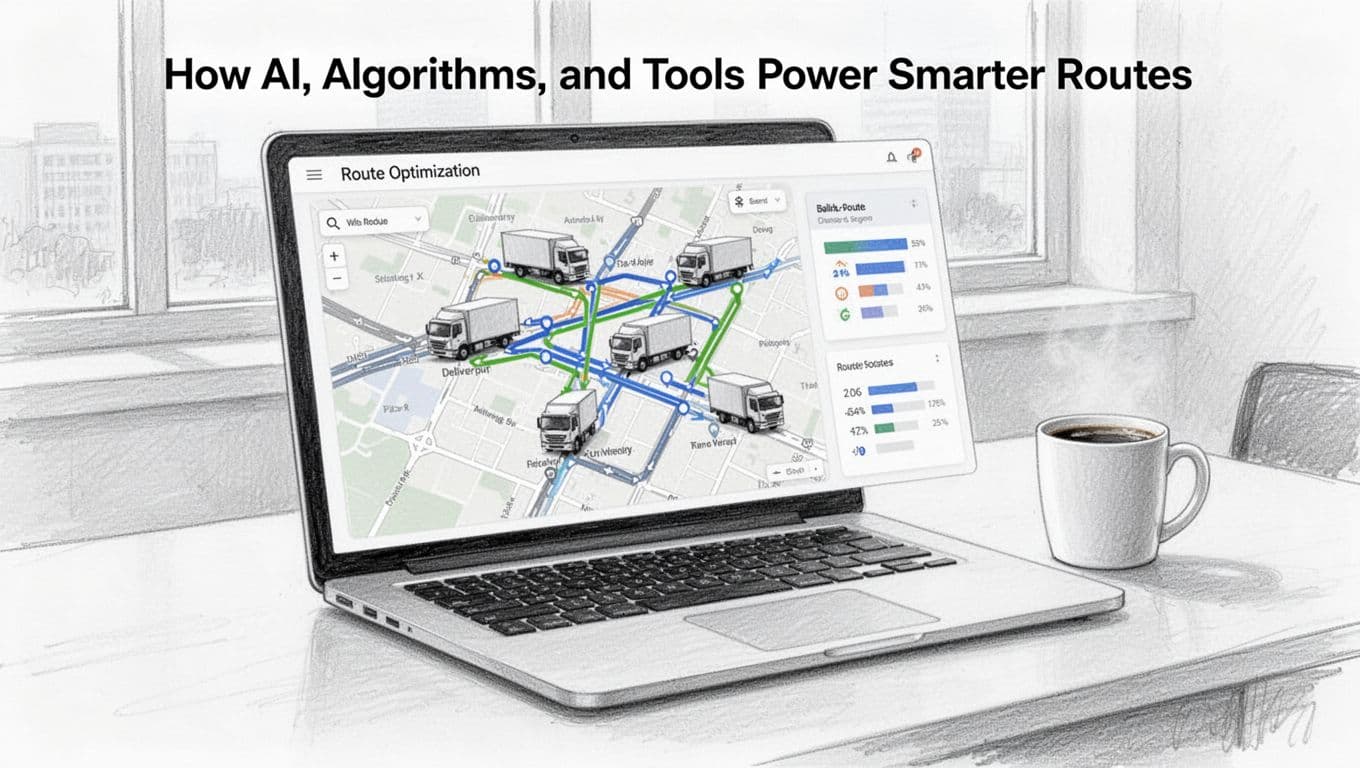
Modern AI and routing algorithms tackle a classic problem: the Vehicle Routing Problem (VRP). VRP is about assigning stops to vehicles so the plan meets constraints. It also aims to reduce cost, time, and total distance.
If you want a deeper technical view of how AI models improve vehicle routing, see AI-driven route optimization tools and algorithms on NextBillion.ai.
Meanwhile, practical routing software handles the “daily chaos” parts. That includes:
- Predictive ETAs that update as traffic changes
- On-the-fly rerouting when a road closes
- Demand patterns that help plan smarter shifts
- Live tracking so dispatchers react quickly
Recent US-focused stats show what this can do. Delivery route optimization can save 15% to 30% on total costs, mainly by cutting driving miles and fuel. It can also improve delivery performance through fewer missed windows.
AI and Machine Learning in Action
AI helps most when things change during the day. It’s one thing to plan Monday morning. It’s another to keep plans accurate at 11:17 a.m.
In practice, machine learning models can forecast conditions that affect routing:
- Traffic slowdowns based on time patterns
- Weather impacts like rain or snow routes
- Delivery delays caused by congestion near specific zones
- Vehicle exceptions, such as a breakdown or late driver arrival
Then the routing engine can recompute. It may reorder stops, change the next-best location, or swap work between drivers.
That’s why AI route optimization often improves outcomes without adding dispatch headcount. You still need good operations. But software reduces the guesswork and the “rewrite the plan from scratch” moments.
Must-Try Software for Route Planning
Ready to ditch spreadsheets? Start with tools that connect planning to dispatch and live tracking.
Because every fleet has different needs, the best choice depends on stop volume, multi-depot complexity, and proof-of-delivery requirements. Many teams also begin with a trial, then expand after they see savings.
Here’s a simple way to compare categories and common features:
| Option | Best for | What you should expect |
|---|---|---|
| Courier-focused platforms | Small to mid-sized delivery teams | Multi-stop planning, driver apps, live ETAs |
| Fleet-wide routing suites | Higher volume fleets | Dynamic routing, batch optimization, reporting |
| Mapping and GIS route tools | Teams needing strong map logic | Better territory logic, route overlays, planning views |
| Proof-of-delivery + routing | Customer-facing delivery operations | Photo or signature capture, smoother exception handling |
For examples of routing apps built for 2026 needs, you can check Onfleet’s courier route planning software guide and CIGO Tracker’s route optimization app picks. If you want a product-focused look at route planning and dispatch features, Onfleet’s last-mile route planning page is also a solid reference.
For teams that care a lot about mapping and decision support, Felt’s logistics route planning tips helps explain how better location data improves smarter routing.
Your Simple Step-by-Step Guide to Planning Routes
Efficient planning becomes easier when you treat it like a repeatable workflow. You don’t need 40 steps. You need the right 9, done in order.
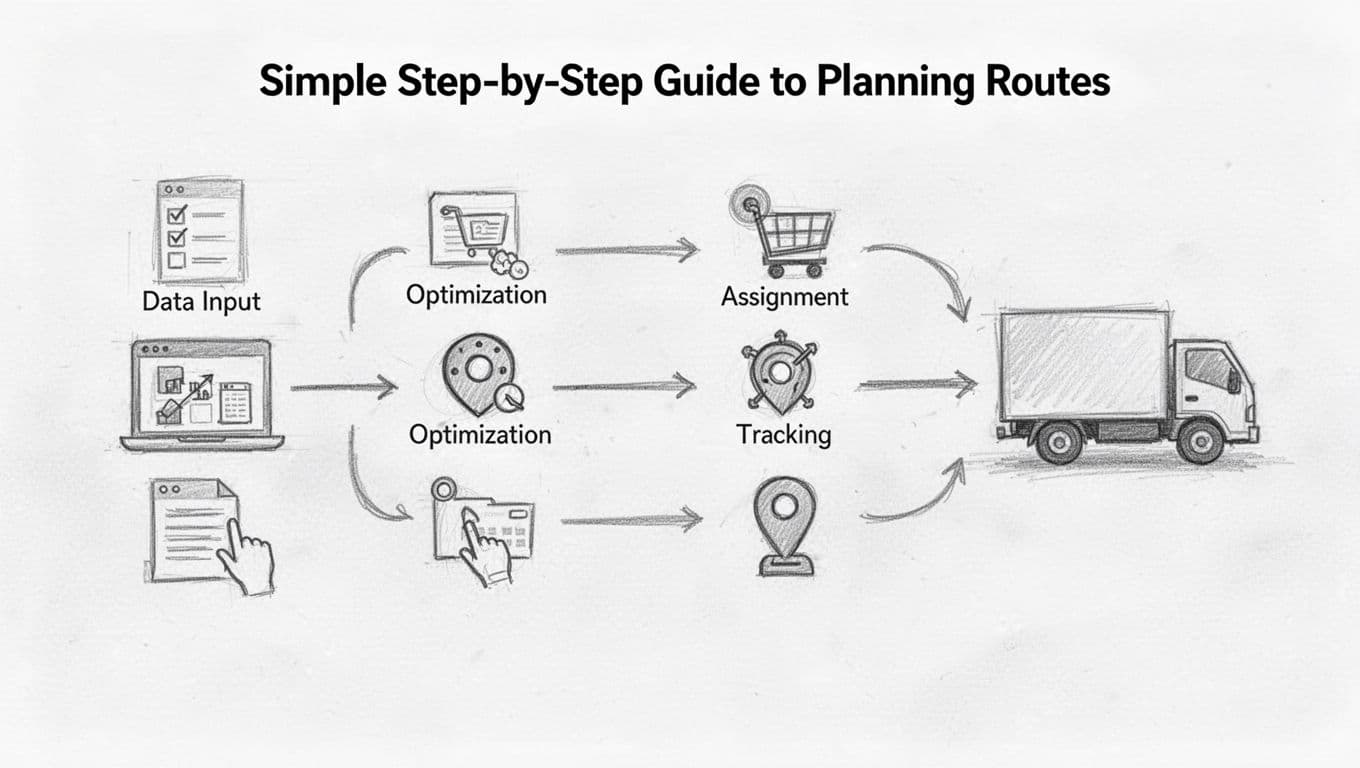
Below is a practical guide to efficient delivery route planning. It works whether you run 1 van or 50 trucks.
Preparing Data and Optimizing with AI
- Set clear goals
Choose your priority: time, fuel, cost, or on-time delivery. Pick one main goal first. - Gather your route data
List stops, addresses, service time, and delivery windows. Add package weight or volume when you can. - Choose the right routing method
Use static planning for stable routes. Use dynamic planning if your day changes often. - Input real constraints
Add vehicle capacity, driver shift limits, and any no-go zones. This is where many routes go wrong. - Optimize order with AI tools
Let the routing engine test different sequences. It also estimates ETAs based on current conditions.
The quality of your input matters. If service time is wrong, the plan will look “efficient” but fail in reality. Also, if your addresses are messy, you’ll get distance errors and odd stop orders.
Executing, Tracking, and Improving
- Assign drivers and vehicles
Match routes to shifts and skill levels. Then confirm capacity and stop counts. - Start the day with a live plan
Share the route with drivers through a mobile workflow. Make it easy to see next stops. - Track in real time and reroute fast
Watch for delays, skipped turns, and stuck traffic zones. Update the route when conditions shift. - Review results after each trip
Measure on-time rate, total miles, and failed attempts. Then adjust service time and constraints for next planning.
Here’s the biggest “make it work” tip: start small. Pick one route type, like a single region or one depot. Run it for a week, then refine your inputs.
As you improve data, your optimization gets better. That’s because AI tools learn from patterns and historical behavior.
Best Practices and Real Wins from Top Companies
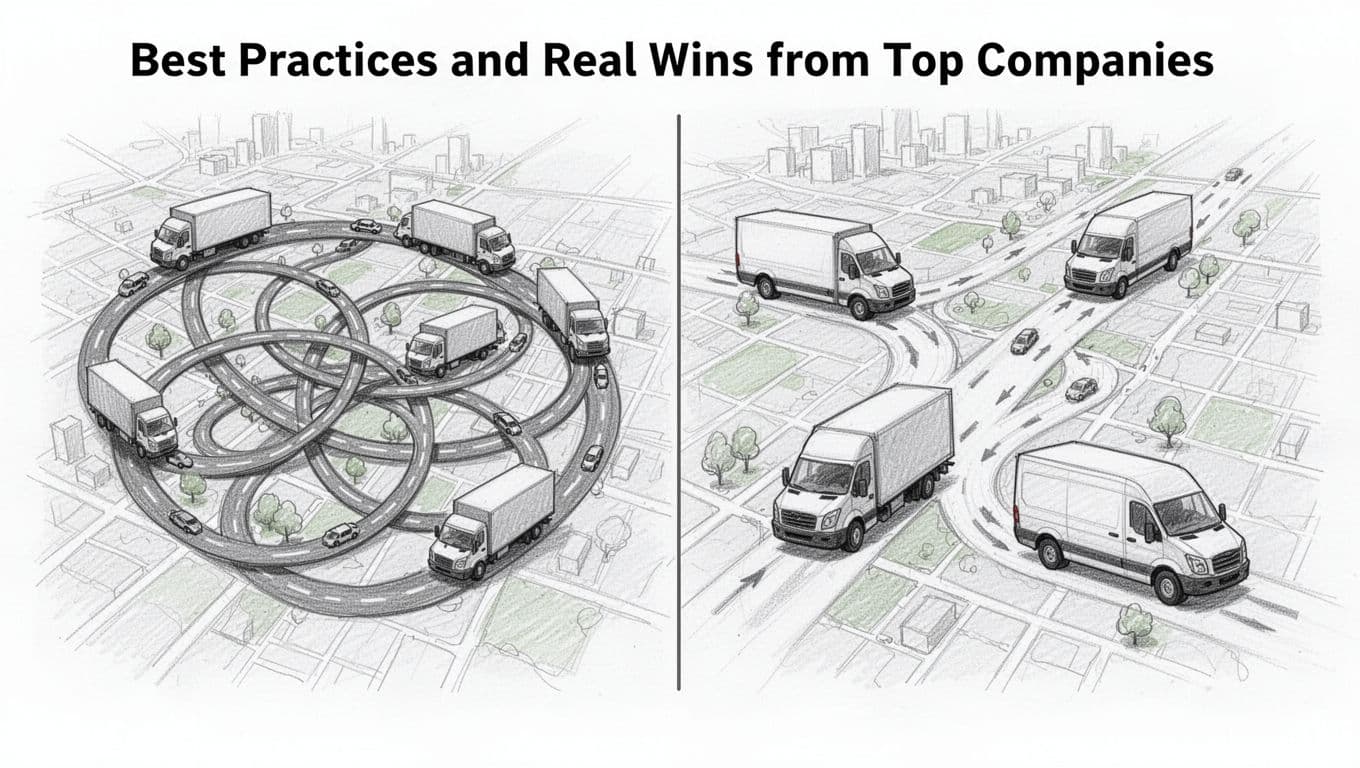
Top operators often win with simple habits, repeated daily. They also avoid the “set it and forget it” mindset.
One strong practice is mixing static and dynamic routing. If your first wave of deliveries stays stable, you can plan ahead. But for later stops, it helps to allow quick edits.
Another winning move is right-sizing deliveries. If you reduce unnecessary miles and avoid overloaded vans, drivers face fewer schedule breaks. And fewer breaks means more predictable on-time performance.
Some teams also collect feedback to improve future routing. For instance, if stop times run long, they adjust service time inputs. If drivers notice that certain streets flood, they add constraints. Over time, the routing engine makes fewer “human corrections.”
Finally, many companies push an eco-focus approach by routing for fewer miles. Since route optimization can cut driving miles by 20% to 30%, fuel savings often follow naturally. In US logistics, that aligns with reported 15% to 30% fuel cost reductions.
Conclusion: Plan Like It’s 2026, Not 2016
Efficient delivery route planning works because it respects constraints and updates plans when reality changes. When you cut miles and protect time windows, you reduce costs and driver stress at the same time.
You’ve now seen the key factors, including traffic, service time, capacity, and unexpected events. You also saw how AI and VRP-based algorithms help route smarter and adjust faster. Finally, you have a 9-step workflow you can test this week.
Pick one route to improve. Choose one tool or one process step, then track results like fuel, miles, and on-time rate. If 2026 logistics is moving toward faster and cleaner delivery, the first step is planning that actually holds up on the road.
What would you fix first: service time estimates, traffic handling, or better vehicle and driver matching?